Transform Your Phone Into a Game Controller
Turn your Android phone into a versatile game controller for Windows PCs and compatible Bluetooth-enabled devices. Connect using PC Mode or Bluetooth HID Mode and enjoy multiplayer, custom layouts, sensor-based steering, slider triggers, keyboard, touchpad, and more.
 Download for Windows

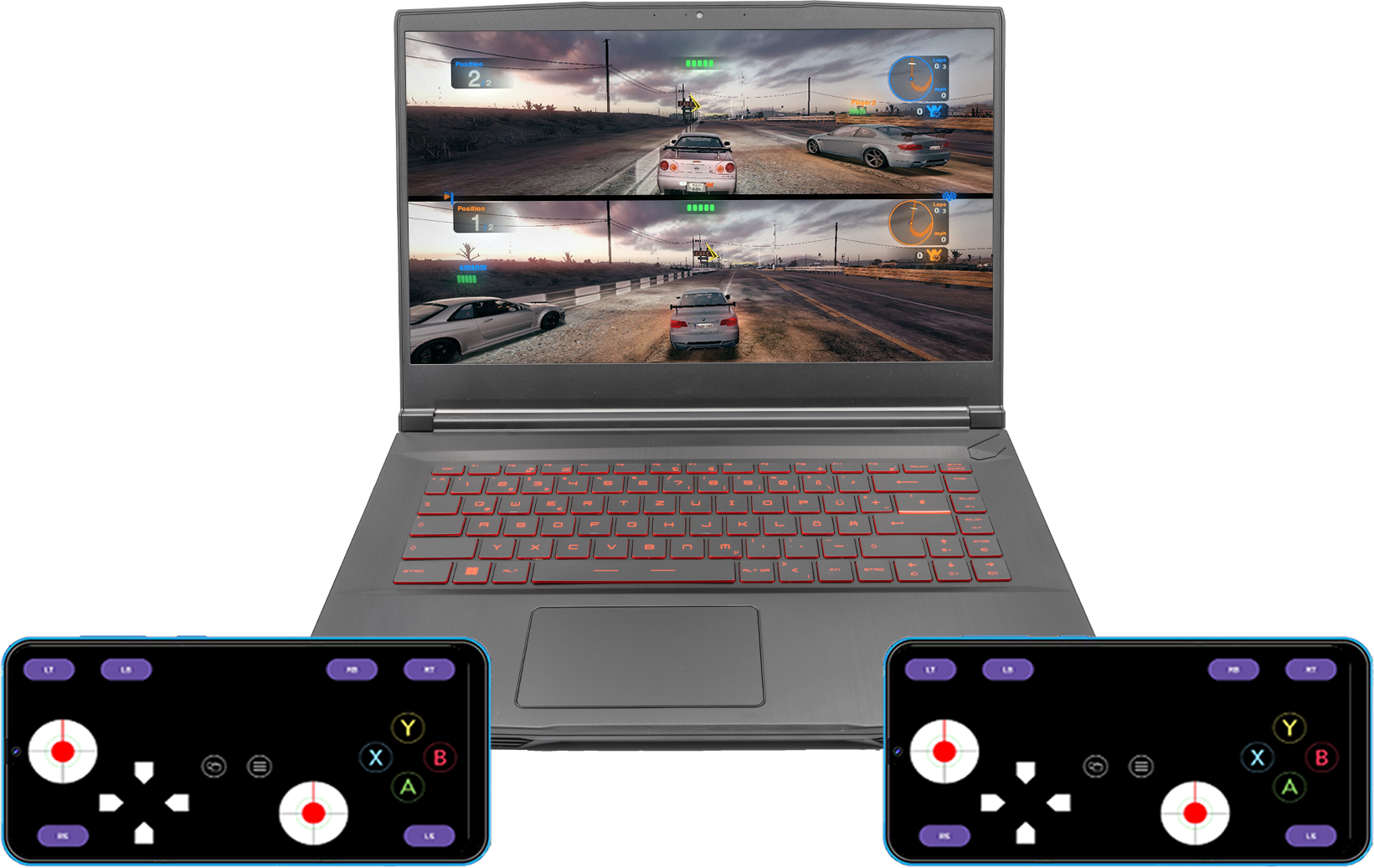
Useful Features
Everything you need to transform your phone into a controller
Multiplayer Support
Connect up to four phones simultaneously for local multiplayer gaming in both PC Mode and Bluetooth HID Mode.
Multiple Custom Layouts
Create and save multiple custom controller layouts, then switch between them anytime to match different games and play styles.
Motion & Analog Controls
Experience more immersive gameplay with sensor-based steering and smooth analog slider triggers for realistic driving and precise control.
Keyboard & Touchpad
Use your phone as a wireless keyboard and touchpad for easy navigation and media control.
Choose Your Connection Mode
Both modes support the complete Magic Gamepad experience. Choose the one that best fits your setup.
| Feature |
PC Mode |
Bluetooth HID Mode |
|---|---|---|
| Windows Companion App | Required | Not Required |
| Connection | Wi-Fi, USB Tethering, Bluetooth | Bluetooth HID |
| XInput Support | Uses DInput | |
| Windows | ||
| Android Devices | ||
| Linux | ||
| Best For | Maximum Windows Game Compatibility | Universal Device Compatibility |
Recommendation: Choose PC Mode if you're playing games on Windows and want the best compatibility through XInput.
Choose Bluetooth HID Mode to connect directly to compatible Bluetooth-enabled devices without installing the Windows companion app.
Bluetooth HID Tested On Windows, Android phones & tablets, Android TV, and Linux Mint. Other Bluetooth HID hosts may also work, but compatibility depends on the device and its Bluetooth HID implementation.
Need Help?
Support & Help
Check out our detailed guides, FAQs, and troubleshooting tips to get the most out of MagicGamepad.
Visit Help PageStay Connected
Follow us on YouTube for the latest tutorials, gameplay demos, and update announcements.
Visit YouTube Channel